Bolt.Vision
Every pixel on site. The bits worth keeping in the cloud.Keep the cameras on the wall. Add the recorder.
A quiet little recorder on the network does the watching. You get told when something actually happened, with the clip, in the same app as your doors.
Sits on the LAN and talks ONVIF to the cameras the site already has. Detection runs on the box, so the network stays quiet. 4-channel and 8-channel versions, with cloud storage that renews.
Available now · Bolt.VisionConnector · 4 or 8 cameras
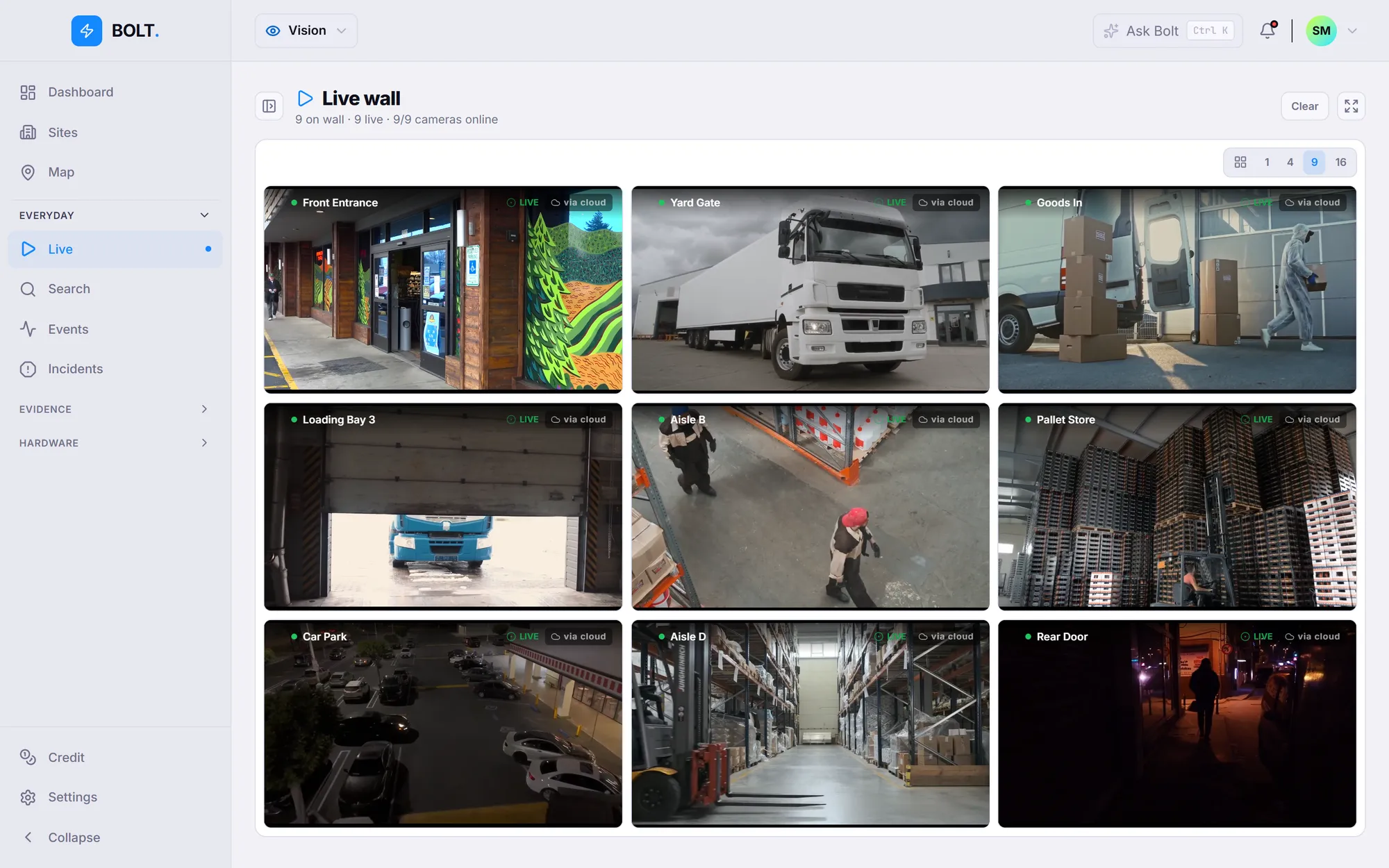
Full quality never leaves the building.HD stays on site. The uplink stays quiet.
The recorder keeps everything on site. The cloud carries a continuous record plus every event in full quality, so the footage survives even if someone walks off with the box. If the broadband drops, it carries on recording. A rolling HD buffer stays on the recorder. Up to the cloud go a lower-quality continuous record and the event clips in full quality. If the broadband drops, the recorder carries on recording. Same idea as the doors.
-
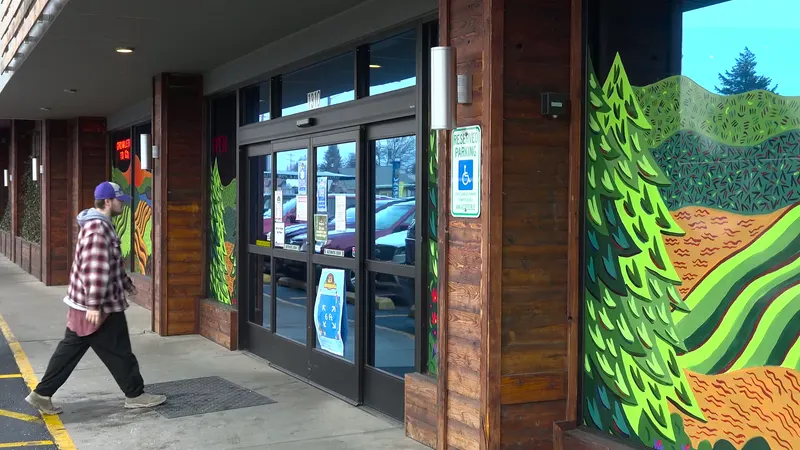 Front Entrance
 -
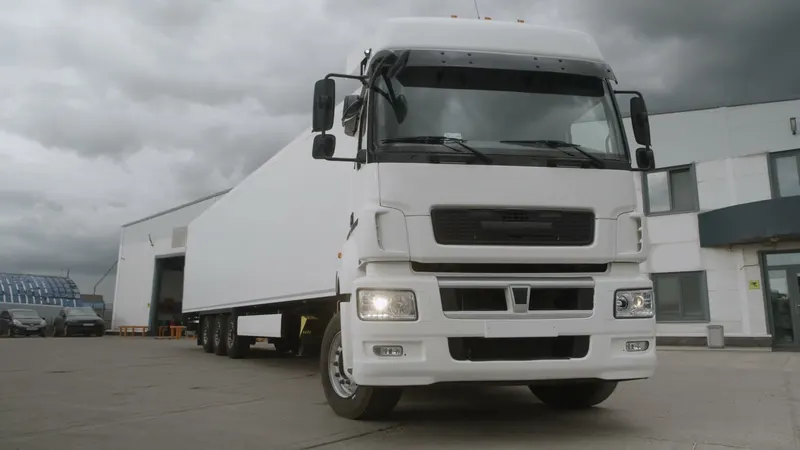 Yard Gate
 -
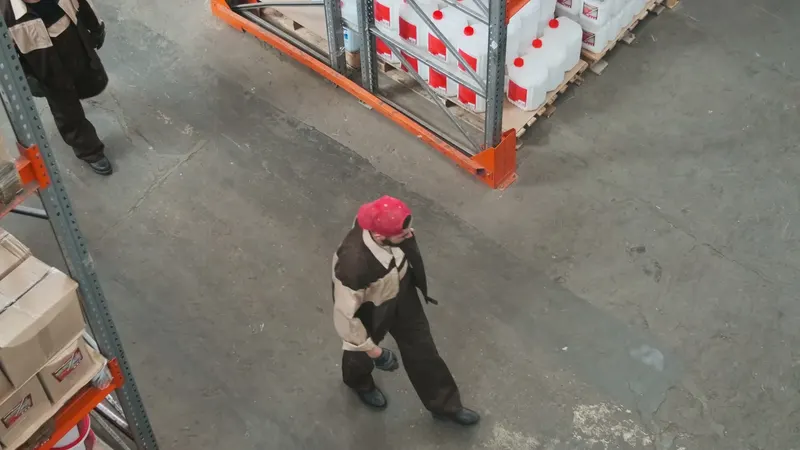 Aisle B
 -
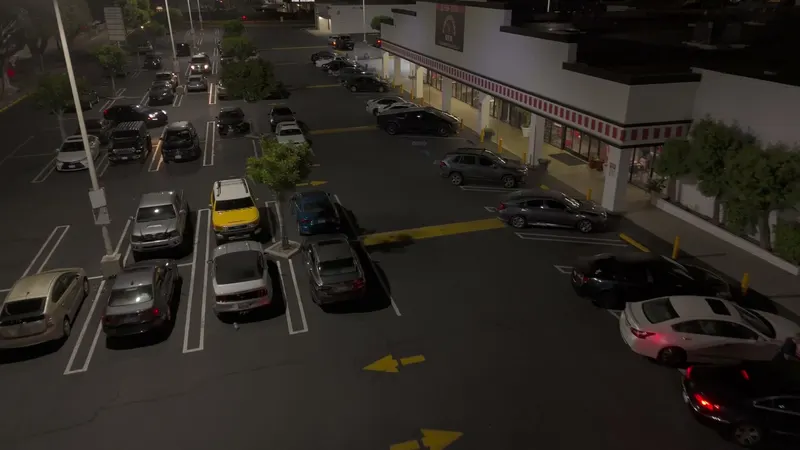 Car Park
The recorder keeps the full-quality record in the building, and carries on if the broadband drops.
-
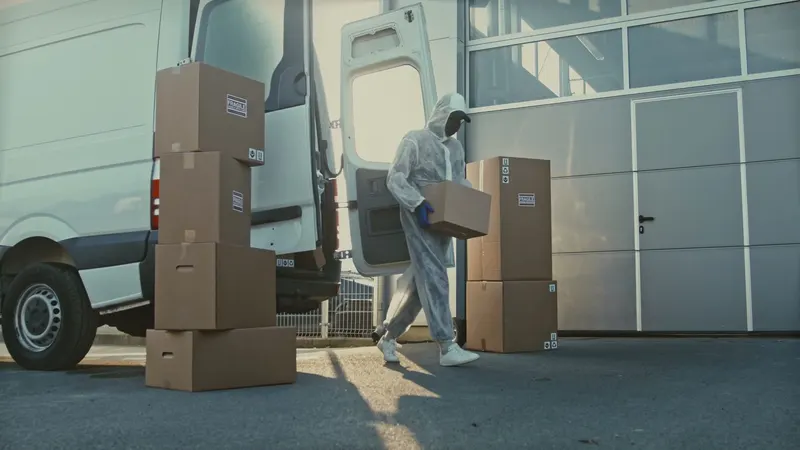 Person Goods In · 10:27 · clip
 -
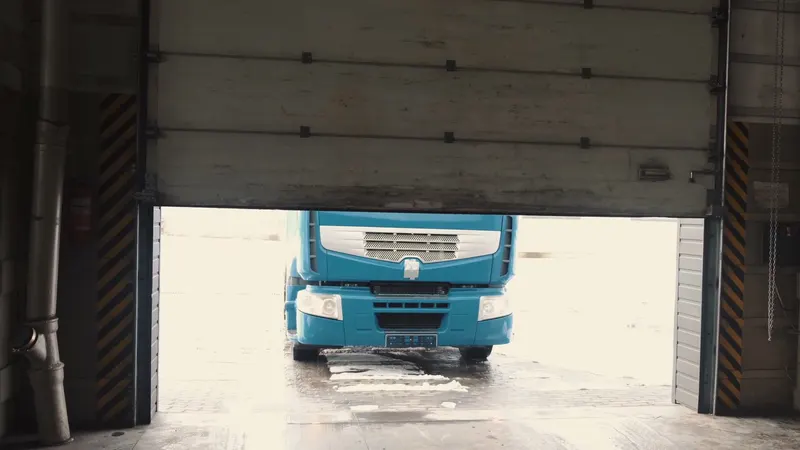 Truck Loading Bay 3 · 10:33 · clip
 -
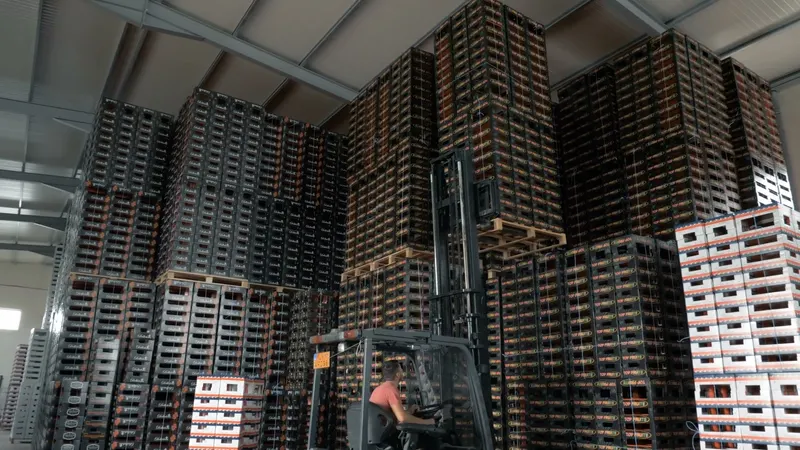 Forklift Pallet Store · 10:09 · clip
Plus a continuous record at lower quality
So the footage survives even if someone walks off with the box.
The camera sees a lot. You get the bits worth reading.
Most cloud CCTV streams everything to a data centre and sends you the bill for the noise. Bolt only troubles you when something has happened. Detection runs on the box, so the customer’s uplink carries events, not a firehose, and the cloud storage they buy lasts longer.
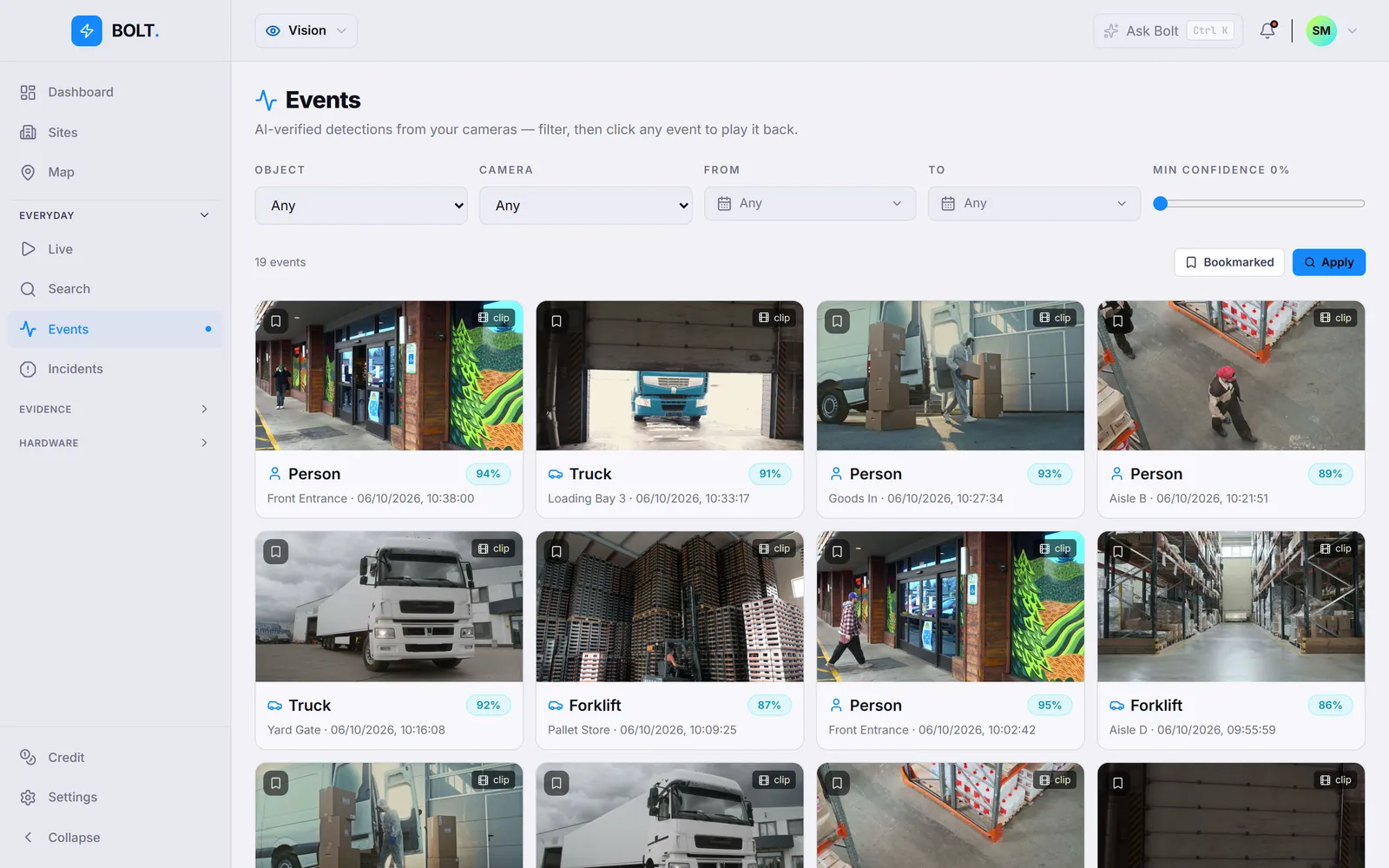
-
1Motion
Pixels move. The recorder flags it on site, without asking the cloud.
-
2Detection
Person or vehicle? Checked on the box. A squirrel on the loading bay is not an event.
-
3Event
Worth telling you about. It lands in the app, next to the door events.
-
4Clip
The full-quality clip goes to the cloud, where it’s kept far longer than the rolling record.
Storage you buy. Not a tier.Storage you quote by the terabyte.
No bronze, silver and gold plans with a different retention on each. You buy cloud storage by the terabyte and it’s shared across your cameras.
No bronze, silver and gold plans to explain. Cloud storage is one licence line, Bolt.Cover, sold by the terabyte and pooled across every camera on the site. Monthly or annual, and it renews like the rest.
| On site | Every pixel, 14 days rolling HD on the recorder |
|---|---|
| Recorder disk | 1 TB (4-camera) · 2 TB (8-camera) |
| In the cloud | A continuous record at lower quality, plus every event clip at full quality |
| If the box goes | The cloud record survives it being stolen |
| How it’s sold | By the terabyte, pooled across your cameras |
| Price | Ask for a quote |
Hand the police a clip, not your password.
Insurers, landlords and the local station all want the footage. Send them one clip on a link you control, and take it back when they’re done.
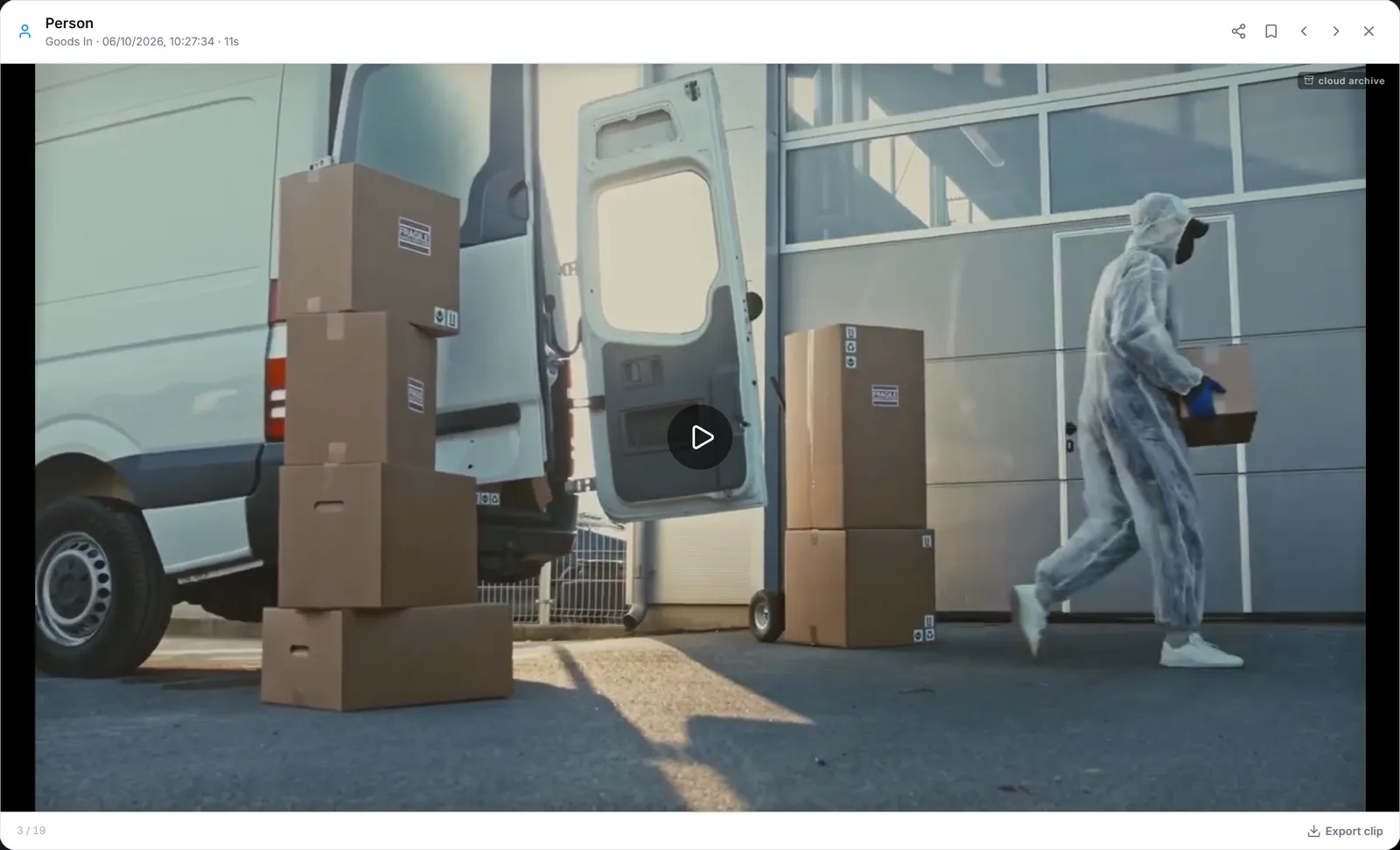
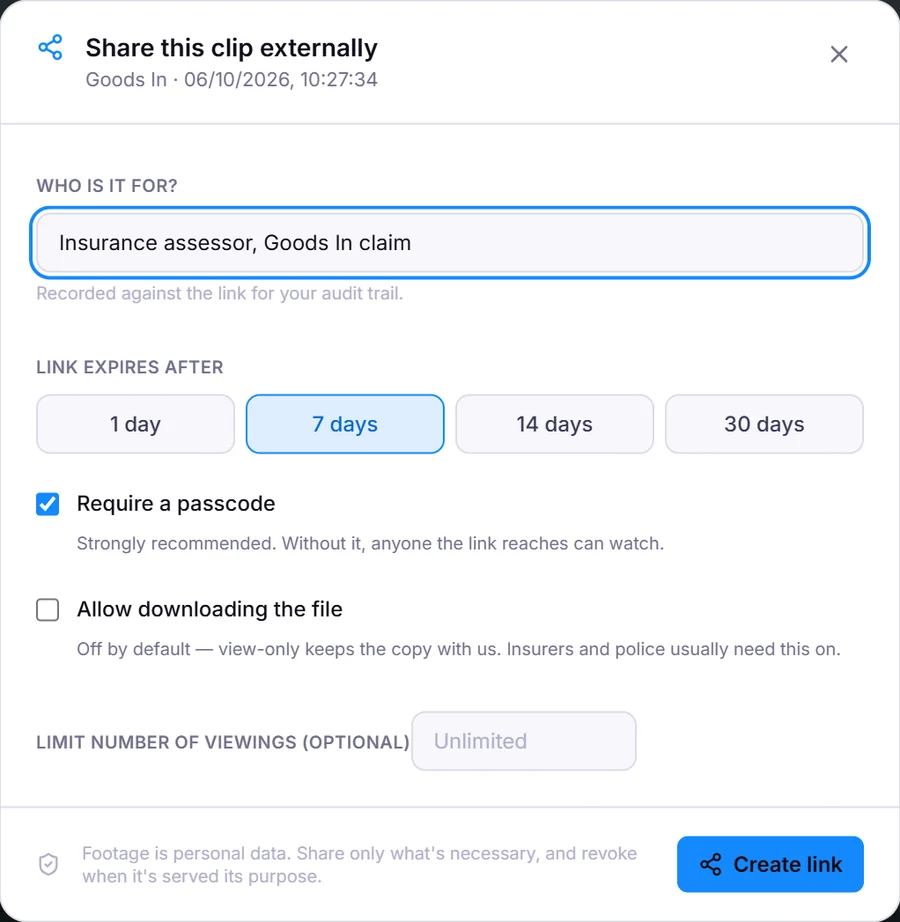
- A link for one clip. They don’t need an account and they never see your system.
- A six-digit passcode, on by default.
- Expires after 1, 7, 14 or 30 days. Add a view limit if you like.
- Download is off unless you turn it on.
- Every open, view and download is logged. Revoke the link in one click.
Bolt.VisionConnector
One box. Four or eight cameras.
Fanless, so it can live in a cupboard without anyone hearing it. Your installer fits it on the same network as the cameras and it shows up in Bolt.
Bolt.VisionConnector
One box on the LAN. ONVIF in, events out.
Fit it on the same network as the cameras and it shows up in Bolt. PoE+ or 12 V DC, fanless, 4- or 8-channel. Bring the camera list to the survey; ONVIF Profile S or T is what it needs.
| Cameras | 4 or 8 · ONVIF Profile S / T |
|---|---|
| Local disk | 1 TB / 2 TB |
| Detection | Motion · person · vehicle, on the box |
| Power | PoE+ or 12 V DC |
| Cooling | Fanless, silent |
| Size | 215 × 42 mm |
Cameras that only bother you when it matters.Keep the cameras. Quote the recorder and the storage.
Twenty minutes, on a call. Bring a list of the cameras you already have and we’ll tell you straight whether they’ll work.
Bring a list of the cameras your customers already have and we’ll tell you straight whether they’ll work.
Bolt. Available now. Form an orderly queue — we are British, after all.